Correct Aadhaar Details in Indiramma Illu Records 2026 Guide
If your Aadhaar details are wrong in Indiramma records, first check where the mistake is. If the mistake is in your Aadhaar card itself, update it through UIDAI. If your Aadhaar is correct but Indiramma Illu records show the wrong number, name, or family details, use the Indiramma portal grievance option or visit your local Gram Panchayat, ward office, municipal office, or housing department office.
Do not submit a new application without asking officials first. A duplicate application can create more problems. Learn how to correct Aadhaar details in Indiramma records with easy steps. Fix name, ID, or address errors to avoid application delays and keep records accurate.

Why Aadhaar Details Matter in Indiramma Records
Aadhaar is one of the main documents used to verify your identity. In the Indiramma Indlu housing scheme, officials may use Aadhaar to check your name, family details, address, ration card or FSC card link, application status, and beneficiary verification. If Aadhaar details are wrong, your application may show errors, stay pending, or fail verification.
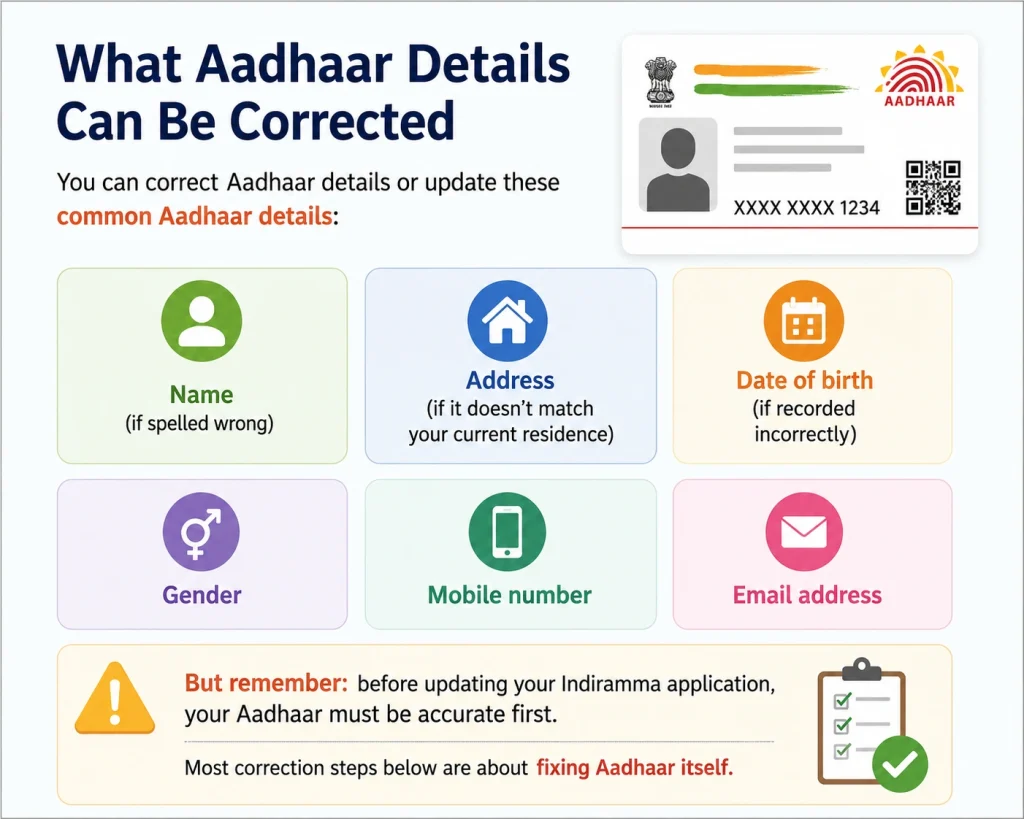
Common Aadhaar-related issues include:
Wrong Aadhaar number
Name spelling mistake
Aadhaar name not matching application form
Date of birth mismatch
Wrong gender
Old address
Mobile number not linked
Aadhaar linked to another application by mistake
Check Your Indiramma Application Status
First, check your application on the Official Indiramma Indlu portal. You can search by:
If your application appears, check the visible details carefully. Look at your name, Aadhaar number, address, category, and application status. If the Aadhaar number entered in the application is wrong, note the mistake before visiting the office or filing a grievance.
Check If the Mistake Is in Aadhaar or Indiramma Record
This is very important. There are two different cases:
| Situation | What You Should Do |
|---|---|
| Aadhaar card itself has wrong name, DOB, gender, or address | Correct it through UIDAI first |
| Aadhaar card is correct, but Indiramma record is wrong | Request correction through Indiramma grievance/local office |
| Mobile number is not linked with Aadhaar | Visit Aadhaar Seva Kendra |
| Aadhaar number entered wrongly in application | Contact local office or file grievance |
| Name differs slightly between Aadhaar and ration card | Ask officials which document needs correction |
Do not mix both issues. Indiramma officials may not be able to change your Aadhaar card. UIDAI handles Aadhaar updates.
Correct Aadhaar Details Through UIDAI
If your Aadhaar card has wrong details, update it first.
You may be able to update address or documents online through the myAadhaar portal. But for changes like mobile number, name correction, date of birth, gender, or biometric update, you may need to visit the nearest Aadhaar Seva Kendra.
Keep these documents ready:
Aadhaar card
Proof of identity
Proof of address
Date of birth proof, if needed
Mobile number
Supporting document for name correction, if needed
After submitting the Aadhaar update request, keep the acknowledgement slip or URN safely. You may need it later while explaining your correction to Indiramma officials.
Update Indiramma Records After Aadhaar Correction
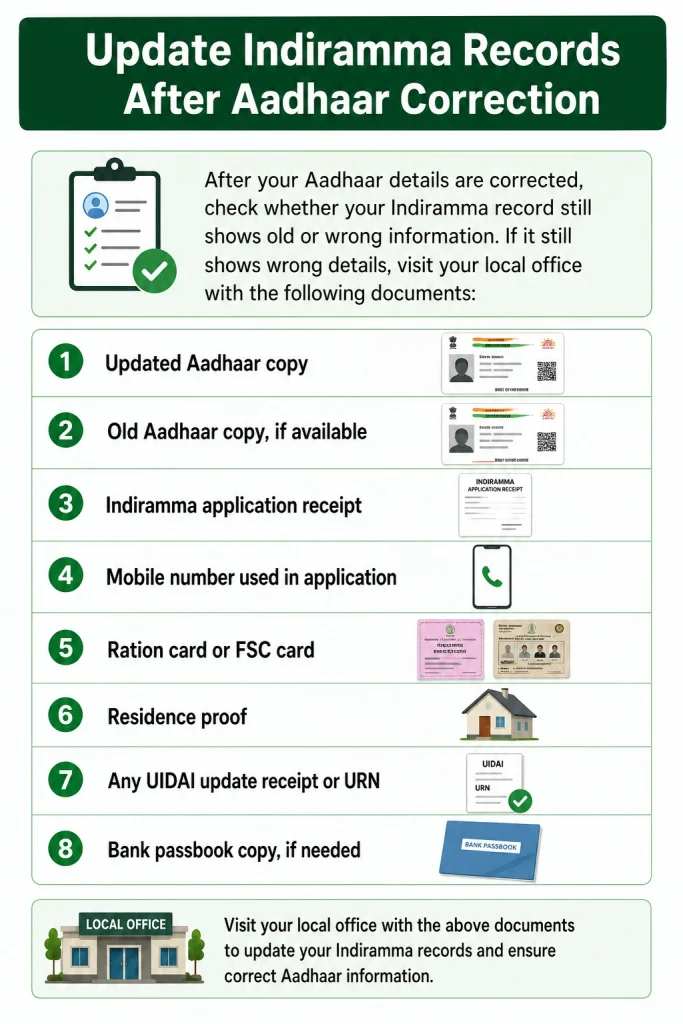
After you correct Aadhaar details, check whether your Indiramma record still shows old or wrong information. If it still shows wrong details, visit your local office with:
Updated Aadhaar copy
Old Aadhaar copy, if available
Indiramma application receipt
Mobile number used in application
Ration card or FSC card
Residence proof
Any UIDAI update receipt or URN
Bank passbook copy, if needed
Ask officials to update or verify your Indiramma application details.
Use Indiramma Grievance Option
If your details are wrong and the local office asks you to file a complaint, use the grievance option on the official Indiramma Indlu portal.
You may need to enter details like:
Write your complaint in simple words. For example:
“My Aadhaar number/name is wrongly entered in my Indiramma application. My correct Aadhaar details are attached. Please verify and update my record.” Keep your grievance ID safe. You can use it later to check grievance status.
Visit the Local Office for Physical Verification
Online grievance may help, but in many cases, local verification is still needed. You can visit:
Carry original documents and photocopies. Explain the mistake clearly. Do not give a long story. Just say what is wrong and what should be corrected.
Common Aadhaar Mistakes in Indiramma Applications
Here are common mistakes applicants face:
This can happen because of typing mistakes. Even one wrong digit can stop your application from matching correctly.
Your Aadhaar may say “Raju Kumar,” but your application may say “Raju K.” Small differences can cause verification issues.
If your mobile number is not linked with Aadhaar, you may face OTP or online service issues.
If your Aadhaar address is old, officials may ask for local residence proof.
If your name or family details are different in Aadhaar and ration card, verification may take longer.
Tips to Avoid Delay
What If Your Application Is Rejected Due to Aadhaar Error?
If your application is rejected only because of an Aadhaar mistake, first collect proof of the correct details. Then visit the local office or file a grievance. Ask whether your application can be corrected or re-verified.
If the rejection is due to wrong documents, duplicate application, or ineligibility, correction may be harder. But if it is a genuine data entry mistake, officials may guide you on the next step.
What If Indiramma Still Shows Wrong Details?
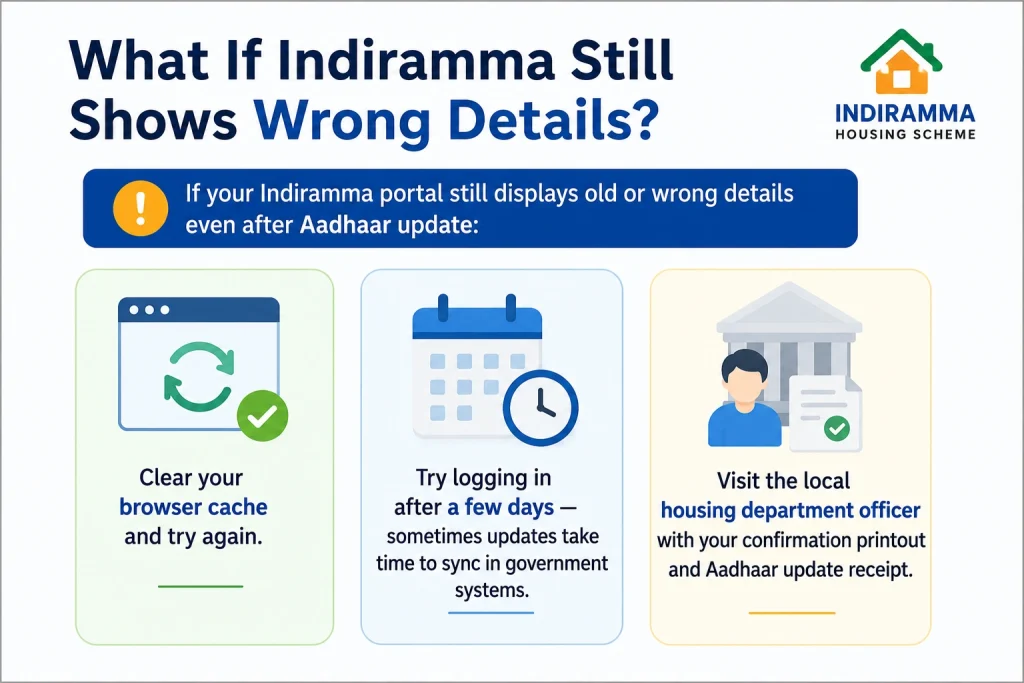
If your Indiramma portal still displays old or wrong details even after Aadhaar update:
Clear your browser cache and try again.
Try logging in after a few days — sometimes updates take time to sync in government systems.
Visit the local housing department officer with your confirmation printout and Aadhaar update receipt.
FAQs About Correct Aadhaar details
Conclusion
Correct Aadhaar details are very important for Indiramma application verification. If your Aadhaar card has wrong details, update it through UIDAI first. If your Aadhaar is correct but Indiramma records are wrong, file a grievance or visit your local office with documents.
Keep everything simple: correct Aadhaar details, the source of the mistake, carry proof, save your receipts, and avoid duplicate applications.