How to Update Mobile Number in Indiramma Application 2026!
Did you enter the wrong mobile number while applying for the Indiramma Housing Scheme? Or have you changed your phone number recently? Don’t worry. You can update your mobile number by following the correct process. Keeping your mobile number updated is important because you receive OTPs, application updates, verification messages, and other important notifications on your registered number.
This guide explains everything in simple language so you can update your mobile number without confusion. Learn how to update mobile number in Indiramma Housing Scheme application online. Follow easy steps to change your phone number and receive important updates.

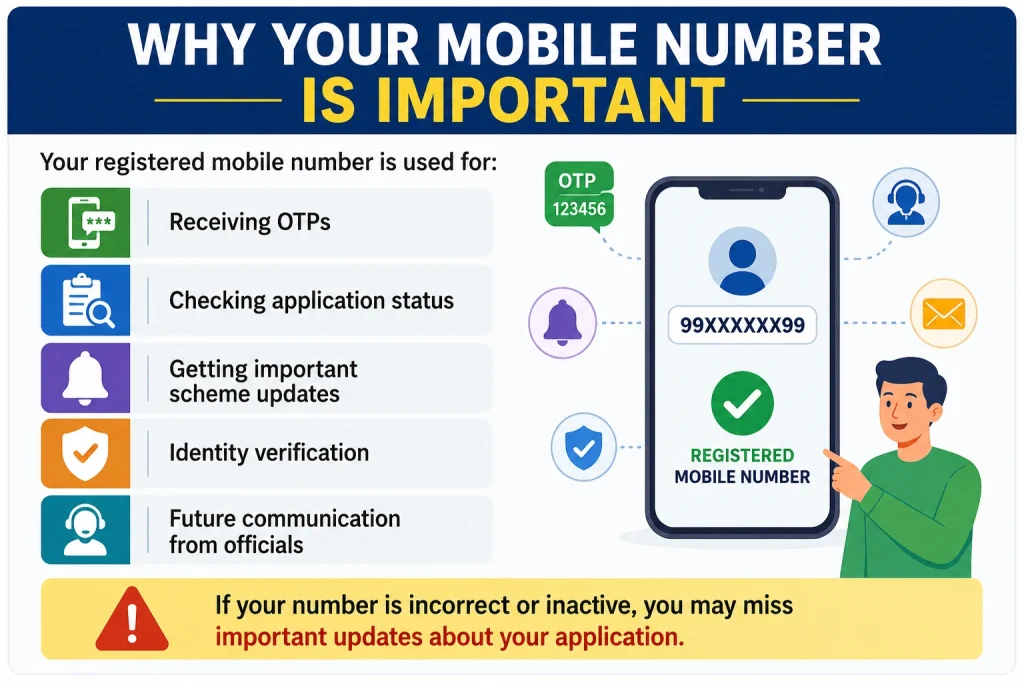
Why Your Mobile Number Is Important
Your registered mobile number is used for:
If your number is incorrect or inactive, you may miss important updates about your application.
Can You update mobile number in Indiramma?
At present, there is no direct option for every applicant to change the mobile number online after submitting the application. In most cases, your mobile number should first be updated in your Aadhaar details because many government services verify applicants using Aadhaar-linked information.
After updating Aadhaar, you can contact the concerned authorities if your Indiramma application also needs correction.
Update Your Mobile Number in Aadhaar
Before changing your mobile number in the Indiramma application, make sure your Aadhaar contains your latest mobile number.
You can update it by visiting your nearest Aadhaar Enrollment or Update Centre. Carry the following documents:
The operator will verify your identity using biometric authentication and update mobile number in Indiramma. The update may take a few days to become active.
Open the Indiramma Portal
Once your Aadhaar mobile number is updated, visit the official Indiramma application portal.
Open the application search page.
Find Your Application
Search your application using any one of these details:
After entering the required information, your application details will appear.
Update mobile number in Indiramma
If the application allows editing, select the update or edit option. Enter your new mobile number carefully. Double-check the number before saving.
Submit the Changes
After entering the correct number, submit the request. If the update mobile number in Indiramma is successful, keep a screenshot or printout for future reference.
What If There Is No Edit Option?
Sometimes the application cannot be edited online. If you don’t see an option to update your mobile number, visit your nearest:
MeeSeva Centre
Gram Panchayat Office
Municipal Office
Local Housing Department Office
Carry your Aadhaar Card and application details. The officials will guide you through the correction process.
How to Check If Your Mobile Number Has Been Updated
After submitting your request, it is a good idea to confirm that your new mobile number has been updated successfully. You can do this by:
Logging into the Indiramma application portal, if available.
Checking whether you receive OTPs on your new mobile number.
Searching your application using your Aadhaar number or Application ID.
Contacting your local MeeSeva Centre or Gram Panchayat Office if you are unable to confirm the update.
If your old mobile number is still showing after a few days, visit the office where you requested the correction and ask for an update.
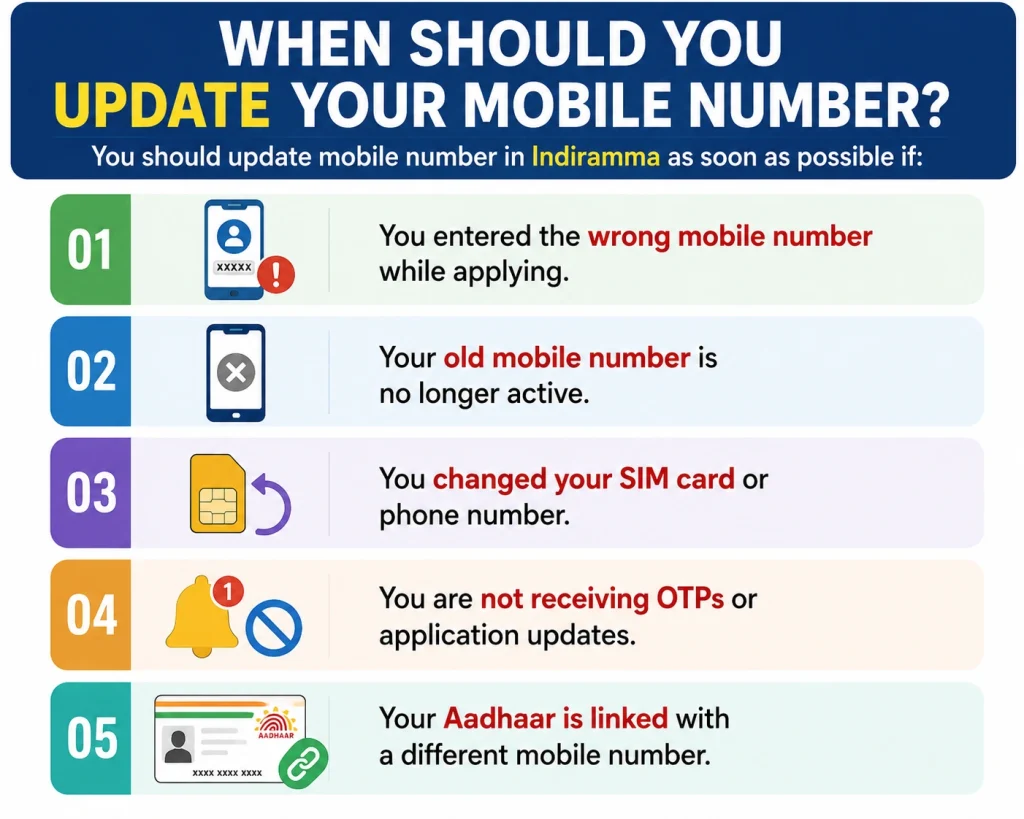
When Should You Update Your Mobile Number?
You should update mobile number in Indiramma as soon as possible if:
You entered the wrong mobile number while applying.
Your old mobile number is no longer active.
You changed your SIM card or phone number.
You are not receiving OTPs or application updates.
Your Aadhaar is linked with a different mobile number.
Updating your number early helps you avoid missing important messages about document verification, beneficiary lists, application approval, or payment updates.
Documents You May Need
Keep these documents ready before requesting the update:
Helpful Tips
Use a mobile number that you will keep active for a long time.
Make sure the number is entered correctly before submitting.
Keep your Aadhaar and bank account details updated.
Save your application ID safely.
Take a screenshot after every successful update.
Do not share OTPs with anyone.
Always use official government channels for updates.
Common Mistakes to Avoid
Entering the wrong mobile number.
Using a mobile number that is inactive.
Submitting incorrect Aadhaar details.
Losing your application ID.
Ignoring confirmation messages after updating.
FAQs About update mobile number in Indiramma
Conclusion
Updating your mobile number in the Indiramma application is a simple process when you follow the correct steps.
First, make sure your Aadhaar has your latest mobile number. Then check whether your application allows online editing. If not, visit your local government office for assistance.
Keeping your mobile number updated helps you receive important notifications without any problems and ensures smooth communication throughout the application process.